

HR Management
5 min read
Microsoft-Integrated HR Platforms: Benefits & How It Works
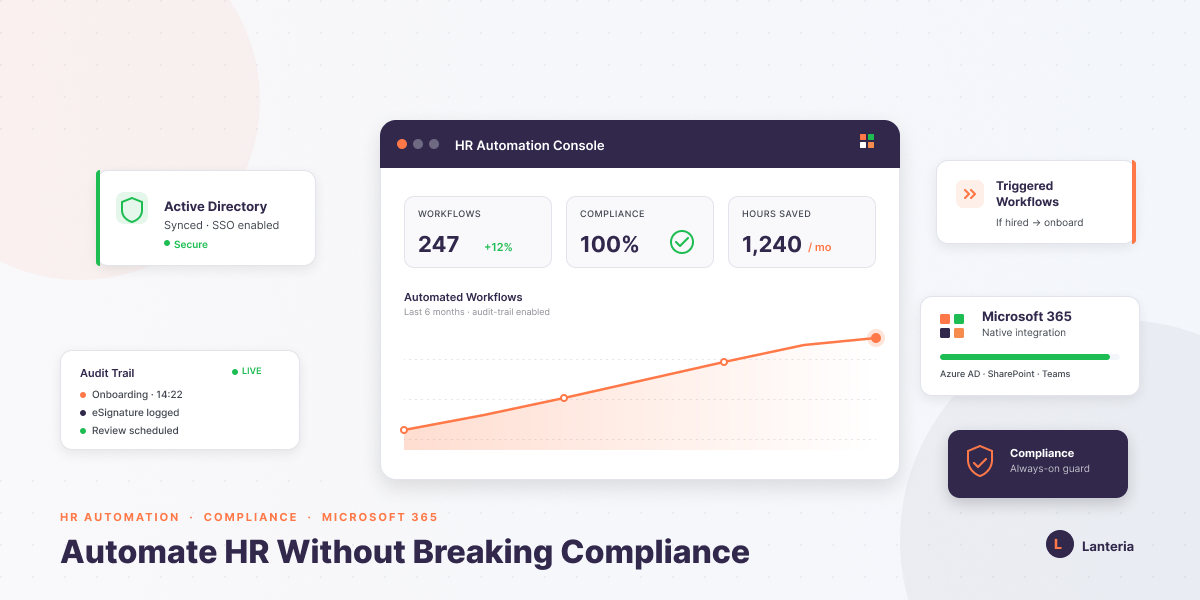
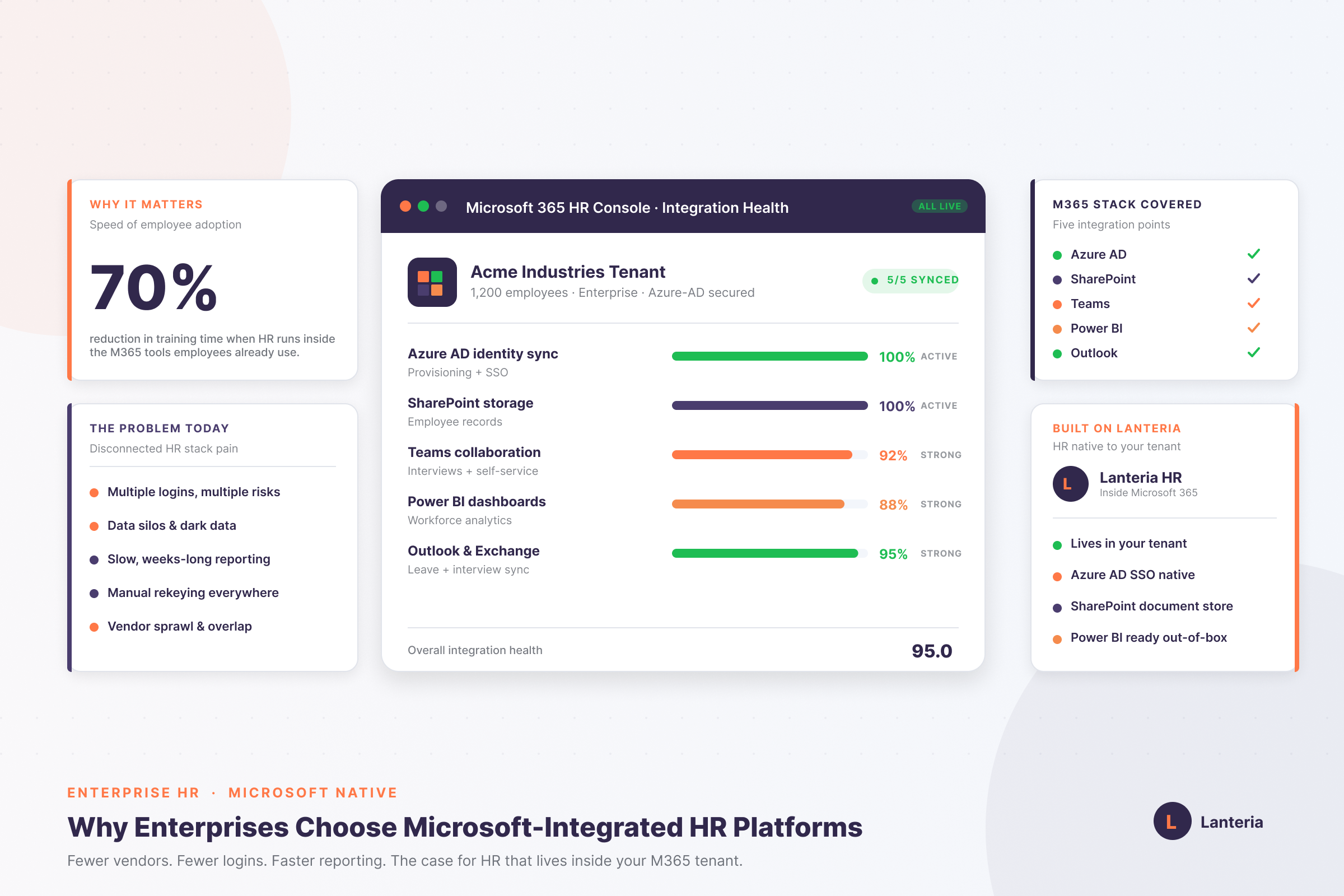
Microsoft-integrated HR platforms run inside your own tenant. See how SharePoint, Azure AD, Teams and Power BI cut risk, lift adoption and speed reporting.
Read more


Imagine that your HR department is in the ocean of How many PTO days do I have left? emails. Managers continue to seek paper forms for updating simple addresses. The bottlenecks form as a result of such repetitive tasks that reduce real progress.
This blog will discuss the ways in which the HR Self-Service Portal forms a digital frontline. In order to be efficient, we will deconstruct them and explain why they are important. You will also be able to know the portal types and the appearance of implementation.
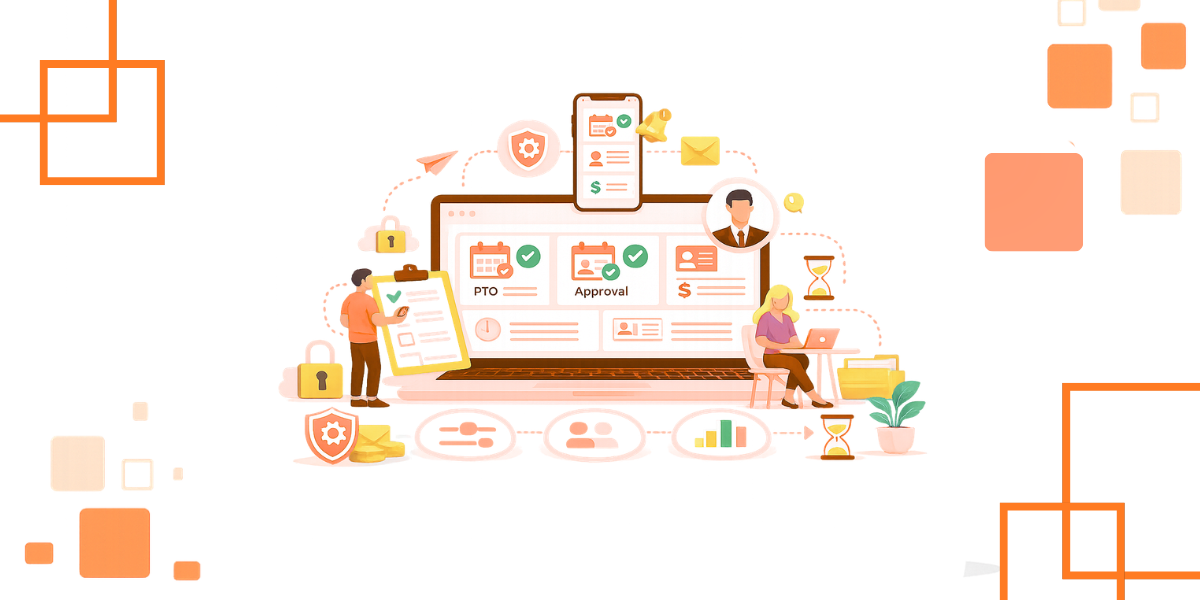
An HR Self-Service Portal (SSP) is a web-based portal. It allows the employees and the managers to access HR data independently. Imagine it is a safe space between your HRMS and your workforce.
Fundamentally, an SSP is either a web or a mobile application. It transforms complicated HR databases into easy-to-use dashboards. As an example, our solution uses Microsoft SharePoint and Office 365.
This portal turns into one source of truth. It is combined with payroll, benefits, and time tracking modules. You no longer have to go through an intermediary step when seeking basic information.
Helpful Resource: HR Self-Service Portals: Empowering Employees With Direct Access
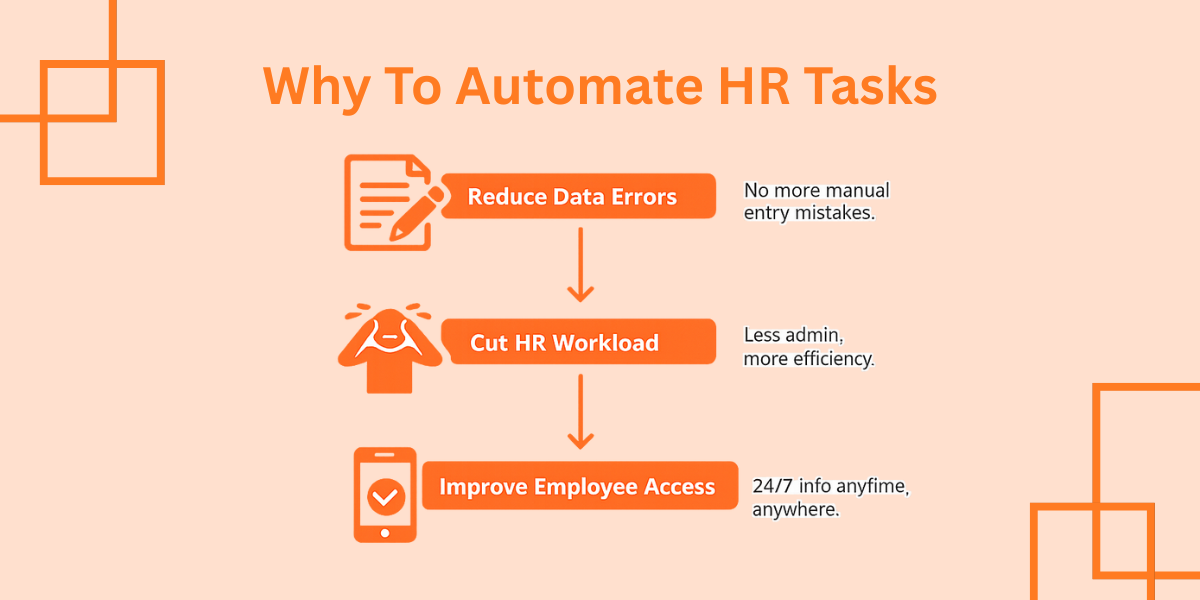
There are chances of error in manual data entry. Any re-typing of a phone number creates risk. HR burnout is also triggered by a heavy workload in administration.
The primary reason to implement portals is efficiency. The accuracy is enhanced when the employees update their own data. Individuals are more concerned with their personal banking information and contacts.
It enhances the employee experience as well. Individuals demand real-time HR information. They would like to receive pay stubs at 9 PM, not in the morning on Monday.
The portal operates under secure permissions and workflow. Roles are determined by admins to restrict what users gain access to or modify. This secures confidential data.
An employee will receive an alert whenever the portal receives a request. A workflow directs it to the appropriate manager to approve it. There is no movement of paper at any point.
Such systems are based on APIs or native integrations. Lanteria HR can be used as an example, and it is integrated with SharePoint to offer the familiar experience. Changes are synchronous throughout the HR suite.
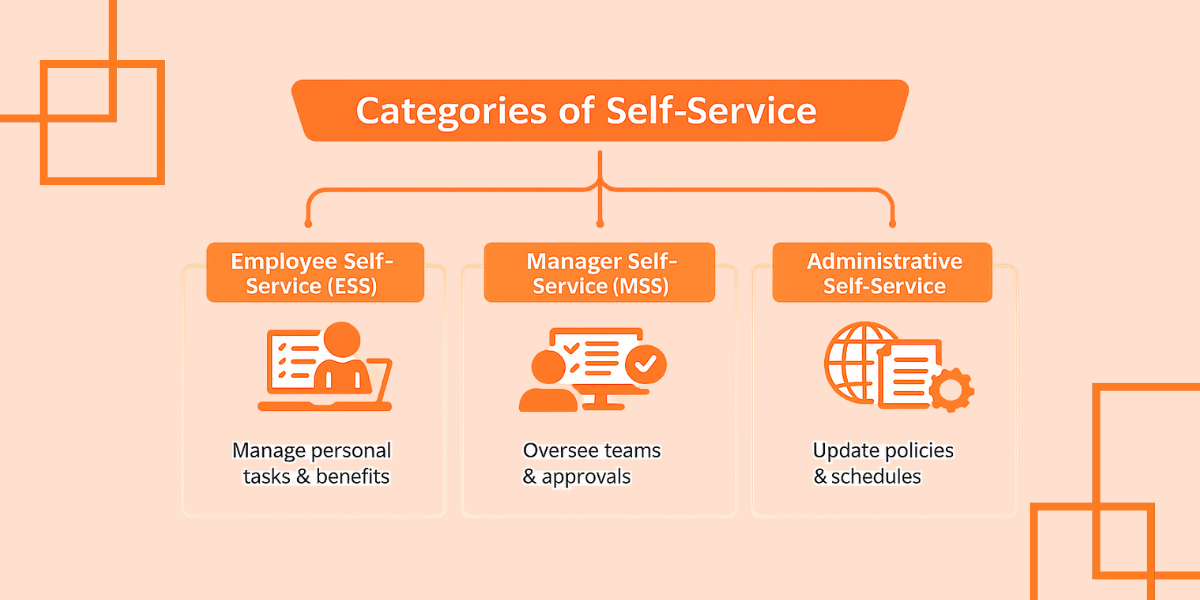
Self-service can be of two major types. Employee Self-Service (ESS) is used to manage individual tasks and benefits. Manager Self-Service (MSS) facilitates the management of teams.
Helpful Resource: A Comprehensive Guide to Microsoft-Integrated HR Platforms
An SSP is an option when the ratio of HR to employees is strained. When the HR is spending over 30 percent of its time on clerical work, take action. This is common in many teams with around 50 employees.
It is also essential to consider remote or hybrid working. When teams are distributed, paper processes break down. Portals will be the virtual HQ of HR activities.
Time is important when refreshing technology. In case you are migrating to Office 365, it is easier to adopt. You reuse security, identity, and access controls.
Not all portals are equal. You require powerful features that have a clean interface. Reliability is important, like usability.
Helpful Resource: What Is an HRIS (Human Resource Information System)?
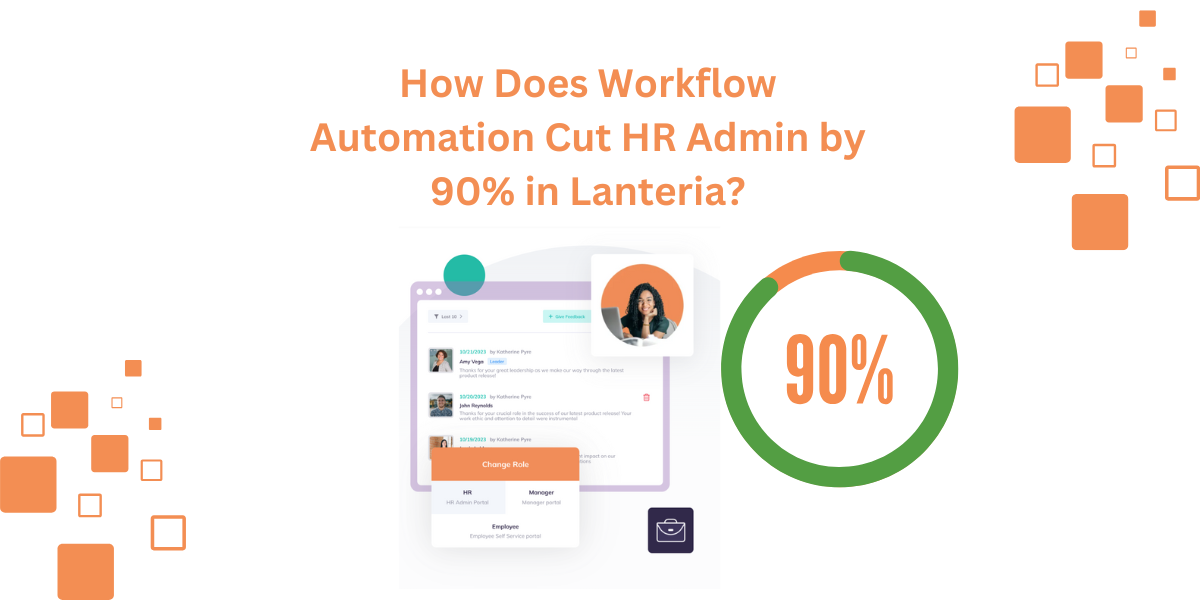
It is not only about time saving when it comes to reducing the workload of the Admin. It changes HR from responding to demands to making more effective people decisions. A self-service portal will provide the employees with control, without compromising on the HR capacity.
Lanteria has more than 17 years of experience and understands how to simplify complicated HR processes. We have assisted over 300 companies in 40 countries to refocus. Our SharePoint solution is a full portal that can grow with your organization.
Yes, portals adopt the role-based access control (RBAC) and encryption. Access controls are used to determine who is allowed to view or modify data. Microsoft cloud security provides an extra security layer.
Not necessarily, and that is the point. Your existing HR department is less involved in paperwork. They invest more in individuals, culture, and support.
Installation is based on your data and work processes. Integrations can accelerate things in the case of the already existing SharePoint. The majority of teams do not advance in a single step, but in stages.
Schedule a demo and reduce HR administration in seconds.