

HR Management
5 min read
Microsoft-Integrated HR Platforms: Benefits & How It Works
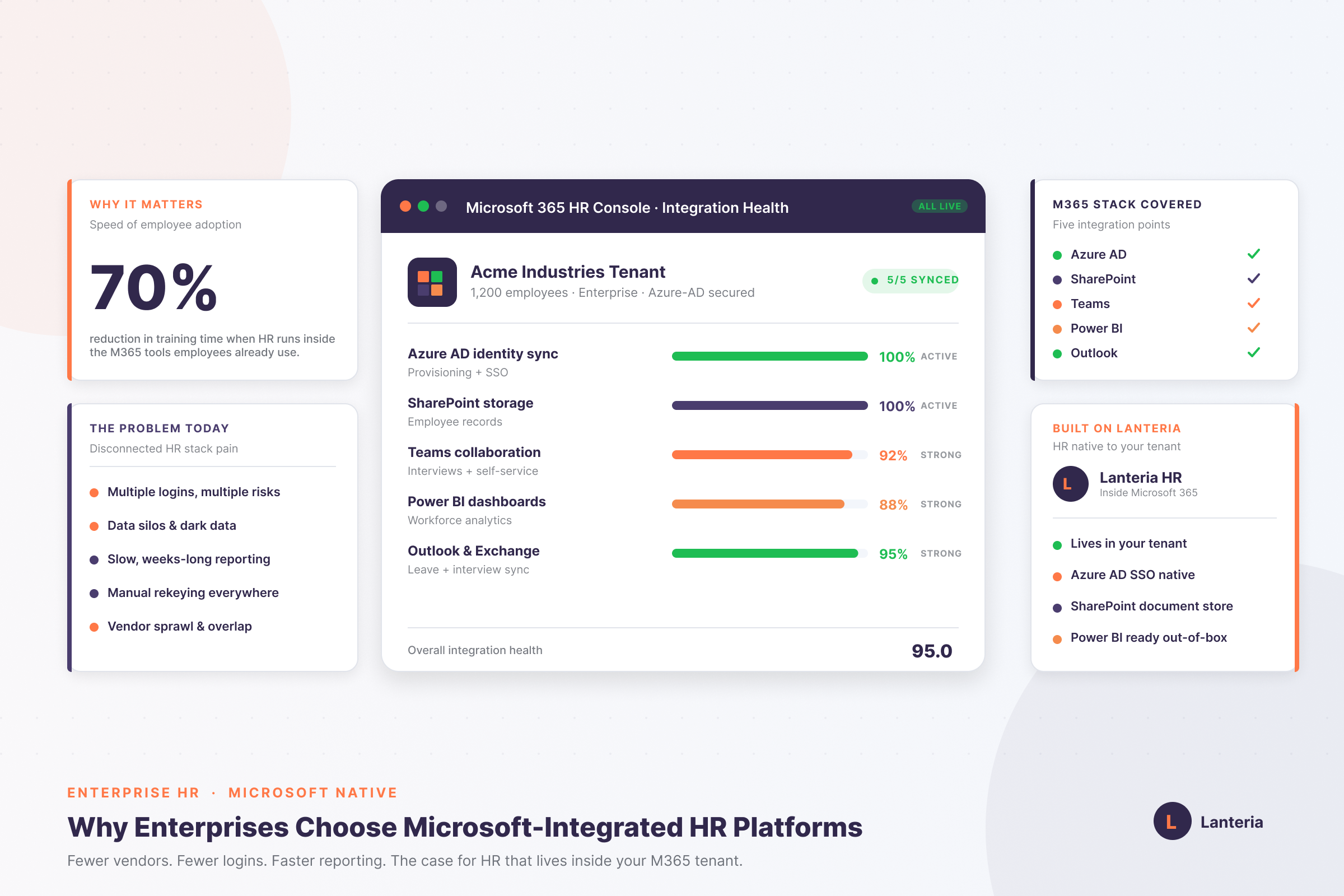
Microsoft-integrated HR platforms run inside your own tenant. See how SharePoint, Azure AD, Teams and Power BI cut risk, lift adoption and speed reporting.
Read more


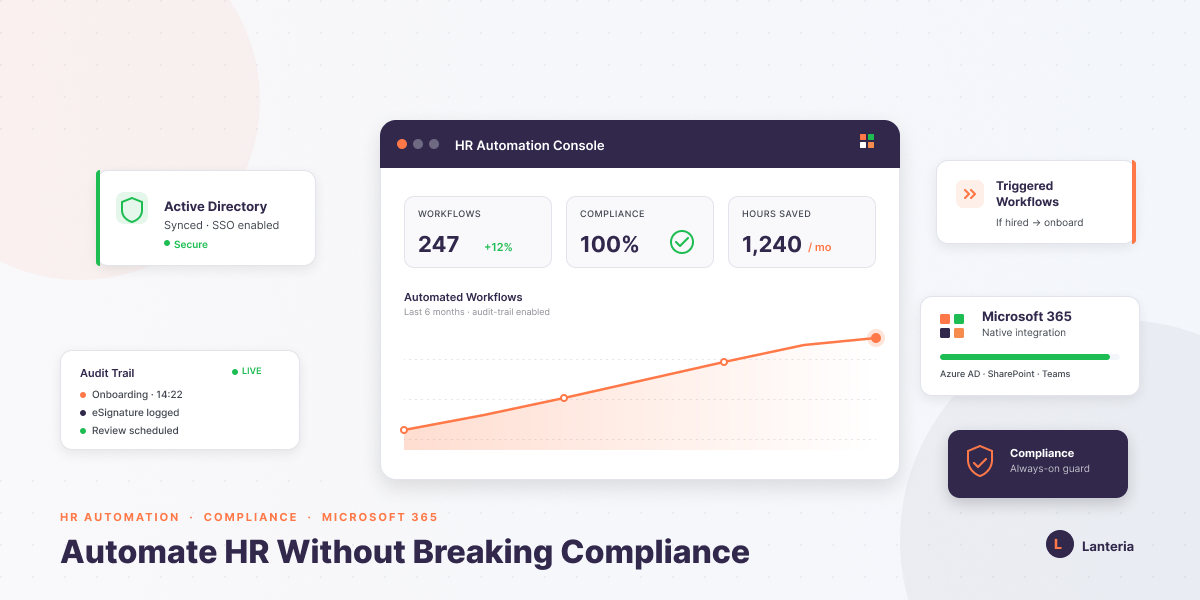
HR process automation replaces manual, spreadsheet-based HR work — onboarding, payroll updates, time tracking, performance reviews, and training records — with software-driven workflows that route, store, and log every action automatically. It stays compliant when it's built on existing enterprise infrastructure: sync identity through Azure Active Directory so access revokes the moment someone leaves, use legally binding eSignatures like DocuSign for contracts, and keep reporting inside secure environments like Power BI instead of loose Excel files. The five core modules to automate first are Core HR, Time & Attendance, Recruiting, Performance, and Learning, each of which produces a timestamped audit trail by default. Run on a Microsoft-native HRMS like the Lanteria platform inside Microsoft 365, automation cuts admin time and strengthens compliance at the same time — the two don't have to trade off.
Imagine it is 2 PM on a Tuesday. You have three spreadsheets in order to monitor the certification of a single employee. You receive a legal update in your mail and are asked to make changes to documents urgently.
You desire automation, but compliance fear takes you down. A single malfunction in the workflow might reveal confidential payroll information. That is a risk that keeps many HR teams in a manual mode.
What is the way to modernize without compromising on security? This guide provides the what, why, and how of HR process automation. You will know how to remain compliant and scale up operations confidently.
Automation of the HR process involves software to manage repetitive tasks. It substitutes paper processes with automated computerized processes. Everything is routed, stored, and logged by the system.
Technically, automation links your Core HR database with the tools that are already in use. Microsoft 365 and Azure Active Directory are used by many companies. This guarantees secure authentication and synchronized data flow.
In place of files that are scattered files, you have centralized records. As opposed to a series of emails, you receive formal approvals. Manual tracking is replaced with traceable logs.
Helpful Resource: What are HR Processes?
Compliance is not just policy awareness. It demands proper documentation and records. There is an unnecessarily added risk with manual processes.
A single error in the compensation or tax data can cause legal problems. The absence of training records may pass safety audits. Weak legal defense means inconsistent documentation.
A clear audit trail is created through automation. Each update is dated and associated with users. This brings accountability with no additional input.
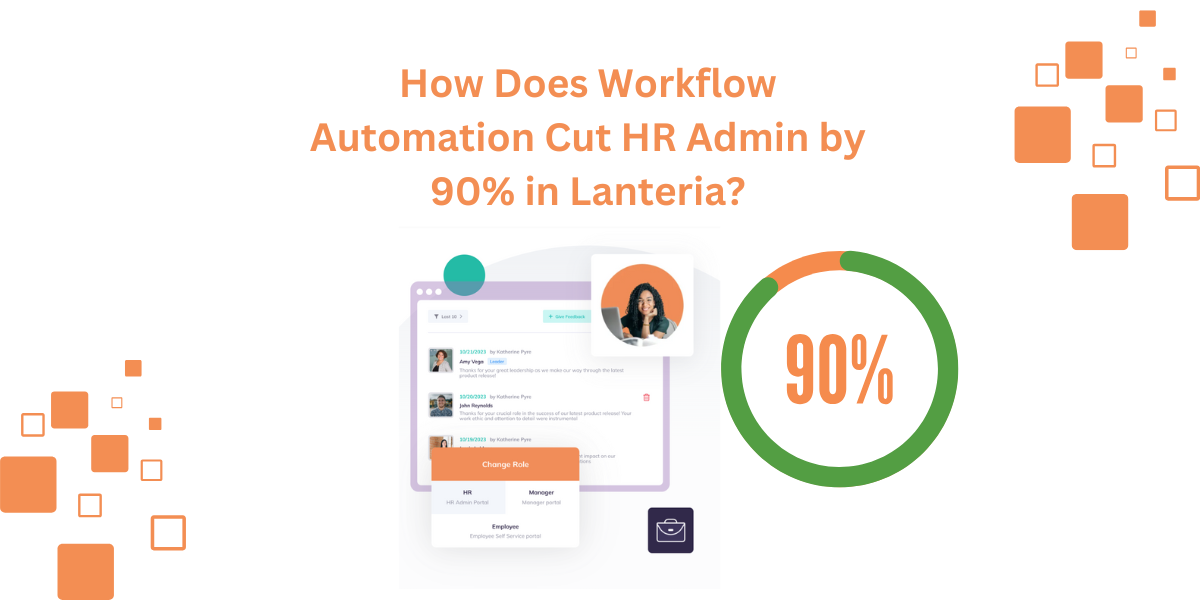
Helpful Resource: Cut HR Admin by 90% with Lanteria Workflow Automation
Automation is not the solution to every problem. You need to match modules with the operational needs. This is made possible by a structured HRMS.
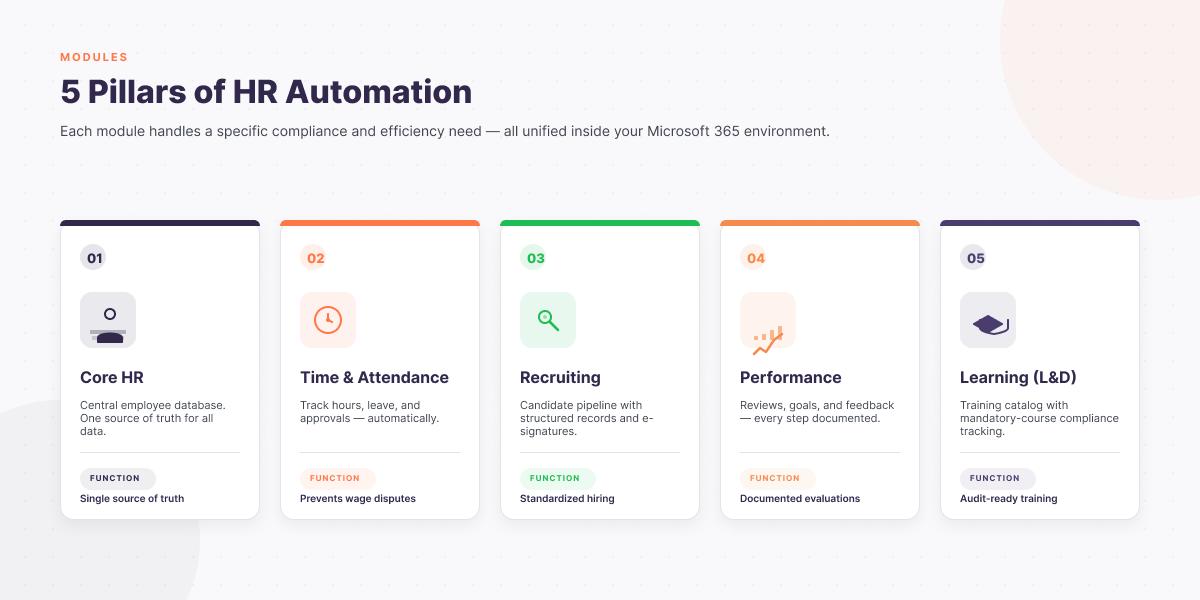
Some key automation modules are broken down below. Both efficiency and compliance are supported by each category. They built a centralized system.
| Category | Primary Function | Compliance Benefit |
|---|---|---|
| Core HR | Central employee database | Single source of truth |
| Time & Attendance | Track hours and leave | Prevents wage disputes |
| Recruiting | Candidate pipeline | Standardized hiring records |
| Performance | Reviews and goals | Documented evaluations |
| Learning (L&D) | Training management | Proof of mandatory training |
Core HR removes duplicate records. Time tracking lessens the miscalculation of payroll. Legal disputes are guarded by recruiting and performance tools.
Safety courses are guaranteed by learning automation. The training logs are also available for inspection. This guards the employees and the organization.
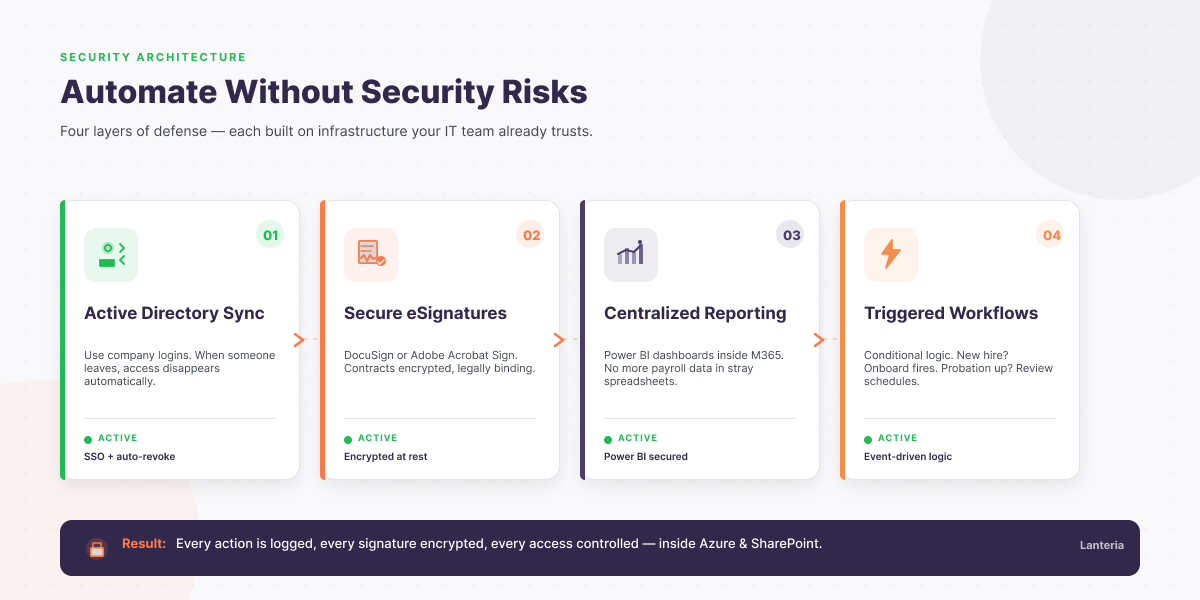
Automation becomes unsuccessful when it is not part of your IT ecosystem. Integration is the safest way. Rely on the infrastructure that you know.
Use available company usernames and passwords. Once a person leaves, the access is lost immediately. This secures confidential HR information.
Include secure solutions such as DocuSign or Adobe Acrobat Sign. The contracts are legally binding. The files are encrypted in cloud storage.
This helps in ending the practice of transferring payroll information to unsecured Excel files. Link your HRMS with Power BI dashboards. This maintains reporting within a secure environment.
Automate sequences using conditional logic. Onboarding should be activated in case of a new staff member. In case of probation termination, perform schedule reviews immediately.
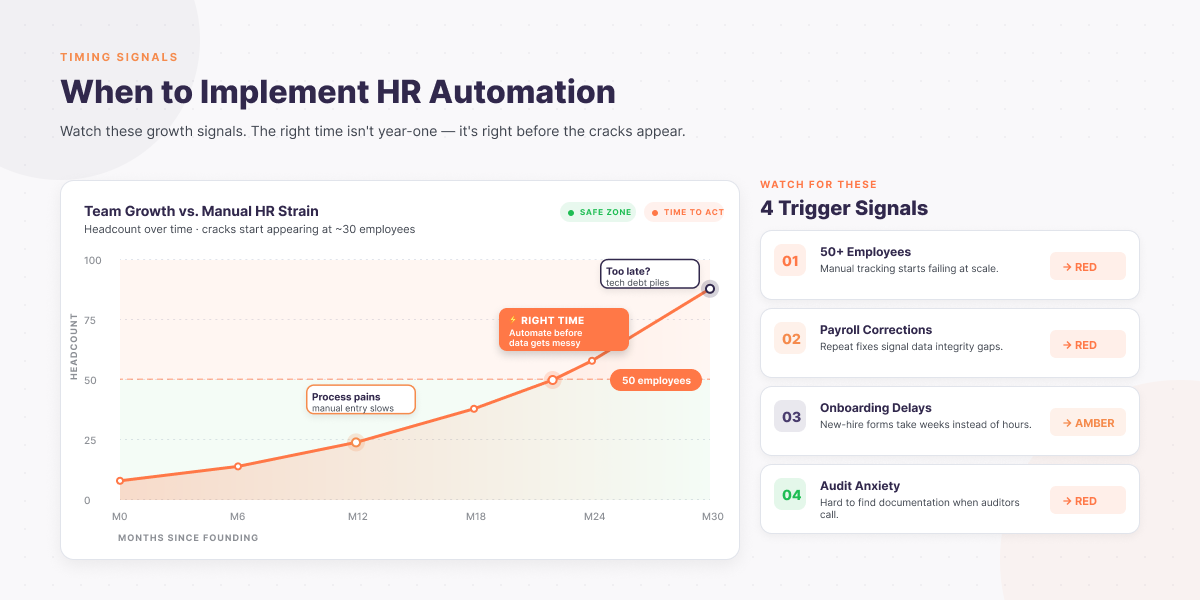
There is no need to automate everything at once. Begin with high-risk processes. Expand gradually.
Look for warning signs first. Payroll correction rates are high, indicating inefficiency. Delays in onboarding are indicators of workflow gaps.
Another red flag is the audit anxiety. In case documentation is disorganized, automation can assist. Structured systems are also required in rapid team development.
When you have over fifty employees, then you have a weak manual tracking system. There is a high rate of administrative overhead. Automation has regained control.
Select the tools that fit within your current technology stack. In case your team is working with Microsoft Teams on a daily basis, your HR system must be aligned with it. The adoption is enhanced through seamless integration.
Look for these features:
The most important thing is technical alignment. A SharePoint HRMS has inherited the Microsoft cloud security. This minimally exposes the company to external threats.
Helpful Resource: Microsoft-Native HR Software Explained for 2026
HR automation is not just a matter of convenience. It is concerned with developing a robust operational structure. Secure HRMS removes redundant processes and safeguards confidential data.
Centralized visibility is achieved as it integrates with Microsoft 365. You substitute weak spreadsheets with secure workflows. You also eliminate a lot of onboarding work and compliance risk.
Above all, automation enables HR to prioritize people. It establishes compliance within the day-to-day operations. Your team goes forward with a lot of assurance.
No. Repetitive administrative jobs are eliminated with automation. It enables the HR to be engagement-oriented and culture-oriented.
Yes, particularly when it is combined with Microsoft Azure or SharePoint. These platforms are based on enterprise-quality encryption and identity controls.
Yes. It allows automation of job posting and conducting interviews on Microsoft Teams. Data about candidates remains in order and is also in compliance.
The way of implementation depends on the size of the organization. Smaller teams can be deployed in weeks. Phased rollouts might be necessary in larger enterprises.
Ready To Work Smarter? Book a demo and Gradually start automating and achieve instant efficiency improvements.