

HR Management
5 min read
Microsoft-Integrated HR Platforms: Benefits & How It Works
Microsoft-integrated HR platforms run inside your own tenant. See how SharePoint, Azure AD, Teams and Power BI cut risk, lift adoption and speed reporting.
Read more



Gut feeling is no longer an effective method of managing a workforce in the modern enterprise. Consider an executive team preparing for a major expansion. They realize only after it is too late that turnover in critical technical positions is at its highest in a long time.
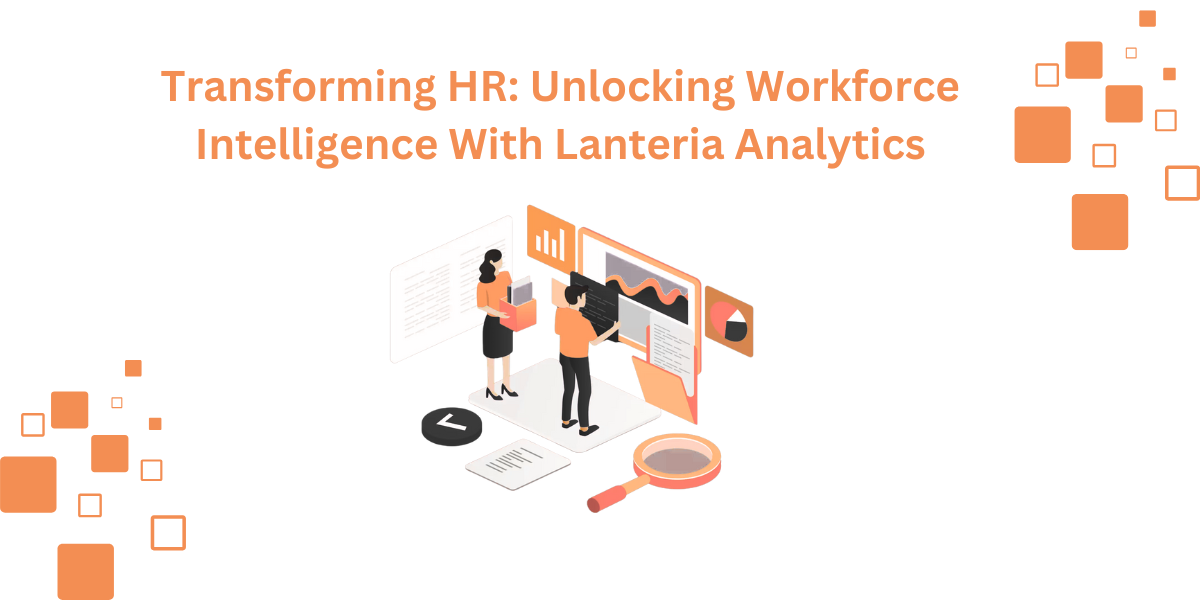
They are operating without real-time information. This blog explains how Power BI HR dashboards turn fragmented data into a clear strategic roadmap. It explores the what, why, and how of HR analytics, with a focus on the synergy between Lanteria HR and Power BI.
You will know how to stop working with static PDFs and interactive insights that work to improve business success. We will look at the kind of reports you require and how to automate your logic to get the best out of it.
HR dashboard is a central business intelligence tool. It captures, analyses, and documents human capital metrics on a real-time basis. It is your People Operations flight deck. You do not need to scroll across spreadsheets to get a visual summary of your workforce health.
These dashboards combine data from modules, such as payroll, recruitment, and performance, into one. They make complex data understandable at a glance with the help of charts, heatmaps, and KPI cards. In the case of large organizations, this leads to a unified source of truth for all decisions involving people.
Helpful Resource: What is an HR Dashboard?
HR metrics are no longer nice-to-have tools. They are the key indicators that define your overall corporate strategy. Before major initiatives, executives consult HR reports since people are the major asset of the organization.
By using analytics, you can:

You should classify your data in order to construct an efficient dashboard. Lanteria HR makes this easier by arranging reports into functional modules that give a reflection of the employee lifecycle.
These include the fundamentals of who and where your business is. They comprise organizational designs, the number of heads turned over, and diversity rates. Salary planning, bonuses, and budget consumption can also be tracked here.
This category is dedicated to employee presence. You are able to track vacation statistics, out-of-office calendars, and absence records. By recognizing the areas of unplanned leave, managers can respond to possible burnout or understaffing.
Performance reports monitor competencies, employee feedback, and KPI progress. They are essential in succession planning. They assist you in finding the "high potentials" that are fit to take up leadership positions.
These reports calculate the ROI of your training programs. You are able to trace development requirements, certification, and training budget use. It makes sure that your workforce competency is consistent with future business objectives.
Helpful Resource: Real-Time HR Reporting with Lanteria & Power BI
Essential HR metrics & business impact
| Metric category | Key KPI | Business value |
|---|---|---|
| Recruitment | Time to fill Days from open to hire |
Measures recruiting performance and identifies performance lag in hiring pipelines. |
| Retention | Voluntary turnover % of voluntary exits |
Surfaces culture or management problems before they escalate. |
| Diversity | Gender/age ratio Workforce composition |
Assures a diverse, balanced workforce across teams and seniority levels. |
| Finance | Revenue per FTE Output per headcount |
Maps individual workforce data directly to organisational profitability. |
| Learning | Course completion % L&D completion rate |
Monitors the development of in-house capabilities and skills retention. |

The creation of a custom dashboard is a logical process. Assuming that you may be aware of data engineering, the significance of a clean pipeline is. The following is the way you can connect Lanteria HR data to Power BI, as I like doing things in six steps.
Lanteria HR is based on Microsoft SharePoint and Office 365. You are able to extract data from SharePoint lists or the OData feed. This is your link between your HR database and your visualization tool.
It is necessary, prior to constructing visuals, to know how your metrics are computed. Are seasonal contractors considered in Turnover? Calculate your reasoning first so that your Power BI DAX formulas align with your internal HR policies.
Filter your information at the point of origin. In case you just require the data of individual offices, such as the Miami or Sydney office, then Power Query can be used to filter the data by location. This will save you data and make your reports fast.
When you are working with big enterprise datasets, have your queries support it. The records will be looped through to retrieve the entire dataset using Power BI. After pulling data, one may start data parsing in order to clean the data.
You get a dynamic dashboard instead of a plain CSV. Begin with high-level KPI cards of total headcount. Add bar charts to make interdepartmental comparisons. Use drill-down features to allow the users to click a department in order to view team metrics.
Yesterday would have been the best place to begin. These insights are urgent, and you require them as soon as your company grows. A lot of saving time is dependent on automation. Lanteria customers usually claim to reduce the time taken to produce reports from weeks to a few seconds.
Start small. At least do not attempt to measure 100 things on day one. Target "Headcount," "Turnover”, and "Time to Hire. Once your data maturity has increased, transition to predictive analytics and AI-driven forecasting.
The transformation of the administrative HR to Strategic is driven by data. The combination of the powerful reporting of Lanteria and the graphic strength of Power BI will enable the leaders make decisions without fear. This eliminates the use of assumptions and guesses are substituted.
Quit speculating as to why people are going or where your budget goes. Look ahead and be on point. Get all your employee information in one place and reduce your HR technology stack.
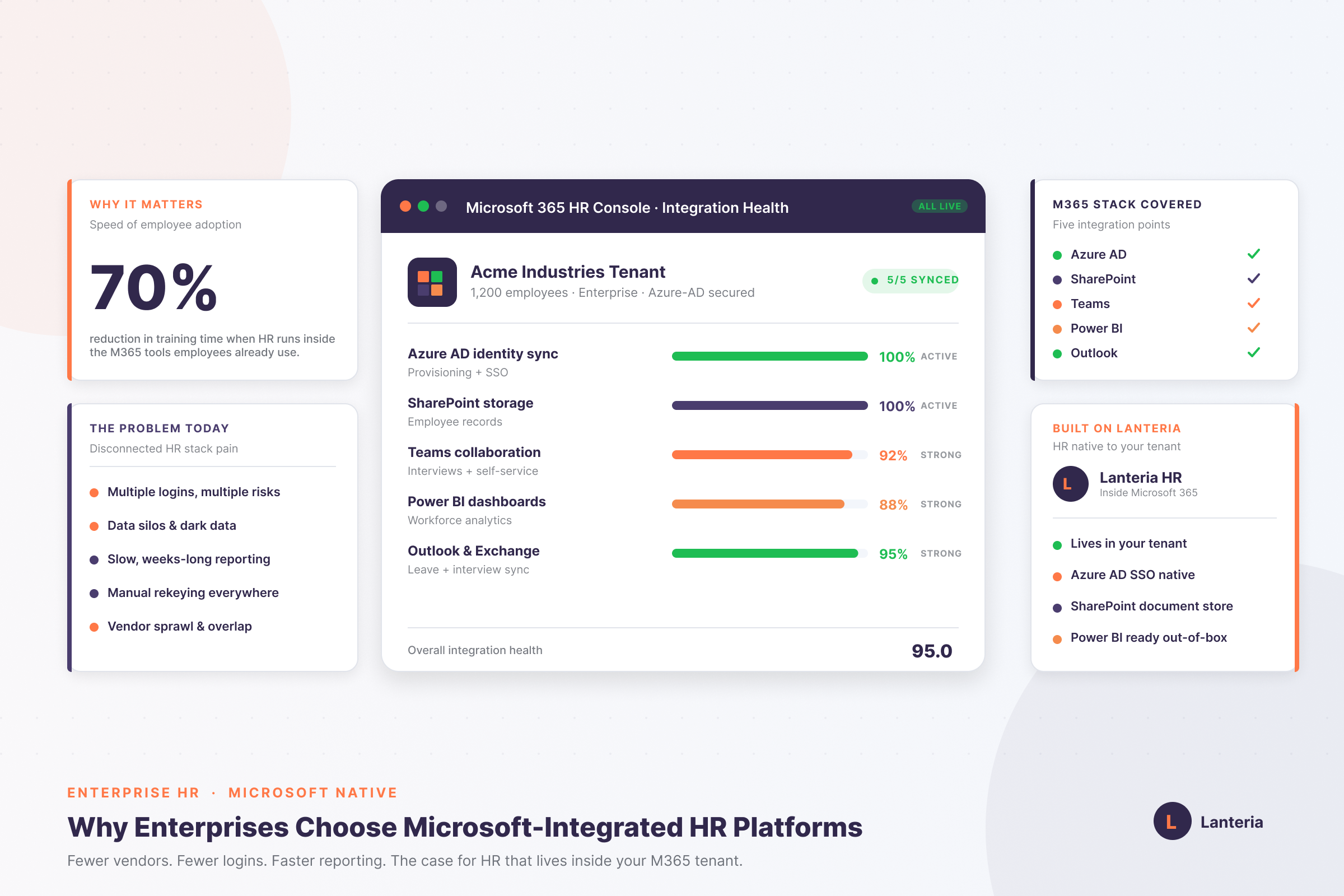
Lanteria HR is biased on SharePoint and fully compatible with Microsoft 365, including Teams, Azure AD, and Power BI.
Lanteria provides modular and flexible pricing and can provide custom quotes at any time.
Yes, your workforce will remain in your secure Microsoft cloud and undergo enterprise security standards.
Make confident decisions with your HR data, demo, and watch your workforce strategy in action.